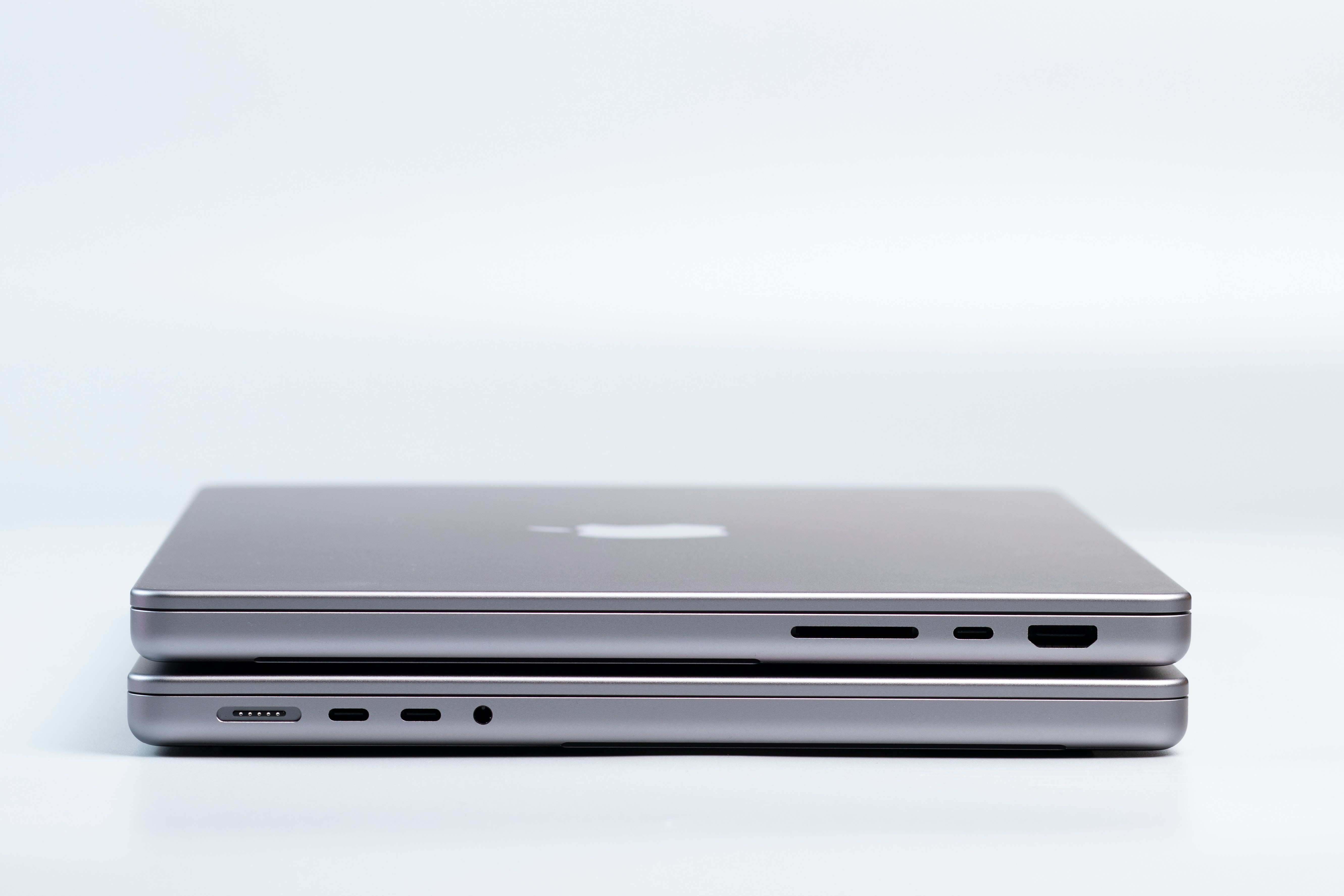
Overview of Apple Silicon Chips

Apple Silicon chips represent a significant transformation in the Mac lineup, marking a departure from Intel processors to a new architecture that emphasizes performance and energy efficiency. The introduction of the M1 chip in 2020 set the stage for this evolution, showcasing the advantages of integrating custom-designed ARM-based architectures tailored specifically for macOS. This groundbreaking shift enabled Apple to create chips that are better optimized for performance-intensive tasks, significantly improving speed and efficiency compared to their Intel predecessors.
Following the M1, Apple released the M1 Pro and M1 Max, further enhancing the processing capabilities, particularly for professionals who require higher performance for tasks such as video editing and 3D rendering. These chips introduced significant advancements in GPU performance and memory bandwidth, setting a high bar for what Apple could achieve in mobile computing. The subsequent M2 chip built upon these successes, refining processing power and enhancing graphical capabilities, while also focusing on battery life improvements. This chip exemplifies Apple’s commitment to maintaining a competitive edge in the laptop market.
As we look ahead to the anticipated M4 chip, industry experts expect even greater enhancements, particularly in the realms of machine learning and artificial intelligence. Each iteration thus far has demonstrated Apple’s proficiency in leveraging its hardware-software integration to deliver unique features, such as Universal Control and optimized battery management. The evolution from Intel processors to Apple Silicon has not just changed the way Macs operate; it has redefined the possibilities in portable computing by providing unmatched performance without sacrificing efficiency. Each generation of Apple Silicon chips is a step towards a future where powerful computing is both accessible and sustainable.
Performance Comparison: M2 vs M4
Apple’s M2 and M4 chips are both powerful, but they shine in different ways depending on what you need from your device.
The M2 is no slouch—it’s built with an 8-core CPU that balances speed and efficiency, making it great for multitasking. Everyday productivity tasks like browsing, writing, video calls, and even light creative work run smoothly. Benchmarks confirm it holds up well for most people’s needs without breaking a sweat.
The M4, however, raises the bar. Thanks to its upgraded architecture, faster clock speeds, and smarter thermal management, it delivers noticeably stronger performance in demanding workloads like 4K video editing, 3D rendering, and heavy multitasking. The chip is designed to sustain high performance longer, so you don’t have to worry about it overheating or slowing down mid-project.
Graphics tell a similar story. The M2 GPU is more than capable for casual gaming, streaming, and light design work. But the M4’s GPU takes things to another level, offering hardware-accelerated ray tracing and higher frame rates. That means smoother gameplay, crisper visuals, and a faster workflow for creative professionals working with large media files.
Bottom line: The M2 is perfect for everyday users, while the M4 is built for power users who need reliable performance under heavy loads.
Battery Life and Efficiency
Performance is only half the story; battery life matters just as much.
The M2 impressed at launch with its efficiency, thanks to a unified memory design and optimized power management. It handles demanding tasks without draining the battery too quickly, giving users plenty of hours for everyday use.
The M4 pushes efficiency even further. Despite being faster, it uses its 3nm process and smarter energy-saving features to stretch battery life. In real-world use, this means you can edit videos, run design software, or multitask across multiple apps for longer without scrambling for a charger.
Users often report that devices running the M4 can handle hours of heavy work on a single charge, while still offering the same all-day endurance for lighter tasks like writing or browsing.
In short, both chips deliver excellent efficiency, but if your workflow leans toward intensive apps and creative work, the M4 gives you more battery headroom without compromising performance.
M2 vs M4 in Action
MacBook Air (13-inch, M2) vs MacBook Air (13-inch, M4)
Specs and Highlights
- The M4 MacBook Air features a 10-core CPU, up to a 10-core GPU, and supports up to 32 GB of unified memory. XDA Developers+3Apple+3Apple+3
- It also introduces support for two external displays while the lid is open — a meaningful upgrade over earlier MacBook Air models. Tom’s Hardware+2XDA Developers+2
- The M2 Air, by contrast, continues to be excellent for productivity and light creative tasks, with lower thermals and very efficient power use.
Performance and Workflows
- In benchmarks, the M4 outpaces the M2 in tasks like video encoding, multitasking with heavy apps, and GPU-heavy workflows.
- Real users report that the M4 handles sustained workloads (e.g., 4K editing, compiling) noticeably better without throttling.
- For everyday use (web, documents, light editing), the M2 still runs very smoothly and offers a lower-cost path to solid performance.
Battery and Efficiency
- Despite the performance boost, M4 retains impressive efficiency. Many describe it as delivering more headroom under load.
- The M4’s optimized architecture means more consistent performance across long sessions.
- M2 remains strong in light-to-medium tasks, and in that zone, differences in battery life are minimal for many users.
Conclusion: Which Chip is Right for You?
As we have explored throughout this blog post, the comparison between the M2 and M4 laptop chips reveals significant differences that cater to varying user needs and preferences. For potential buyers evaluating which Apple Silicon chip to choose in 2025, several factors are essential to consider: budget, performance requirements, and intended usage.
The M2 chip, being a well-established option, offers robust performance for everyday tasks, content consumption, and light creative work. It presents an appealing choice for users who prioritize cost-effectiveness while still wanting a high-quality performance for standard applications. If your routine involves activities such as web browsing, streaming, and light productivity tasks, the M2 chip could be the perfect match for your needs in 2025.
On the other hand, the M4 chip appears to be a strong candidate for users needing advanced performance capabilities. If your work involves resource-intensive activities such as video editing, 3D rendering, or software development, the M4’s enhanced architecture promises better performance enhancements, leading to increased productivity. For those who are willing to invest more for future-proofing their devices, opting for the M4 chip seems prudent.
Future considerations also play a significant role in decision-making. Anticipated upgrades in the M4 chip may introduce additional features that further enhance performance, efficiency, and connectivity options. As technology continues to evolve, it is essential to weigh your current needs against potential developments, ensuring your purchase remains relevant for years to come. Carefully assessing your budget, performance needs, and future considerations can guide you towards making an informed decision on whether to invest in the M2 or M4 laptop chips.